
For homeowners · iPhone and Android
See how your renovation could look before you start.
Take a photo of the room and tell BuildApp what you want to change. It shows you an AI simulation and an indicative cost range.
Download BuildApp and start for free
When you create your account, choose Client. It is free to start, with a limited number of free simulations.
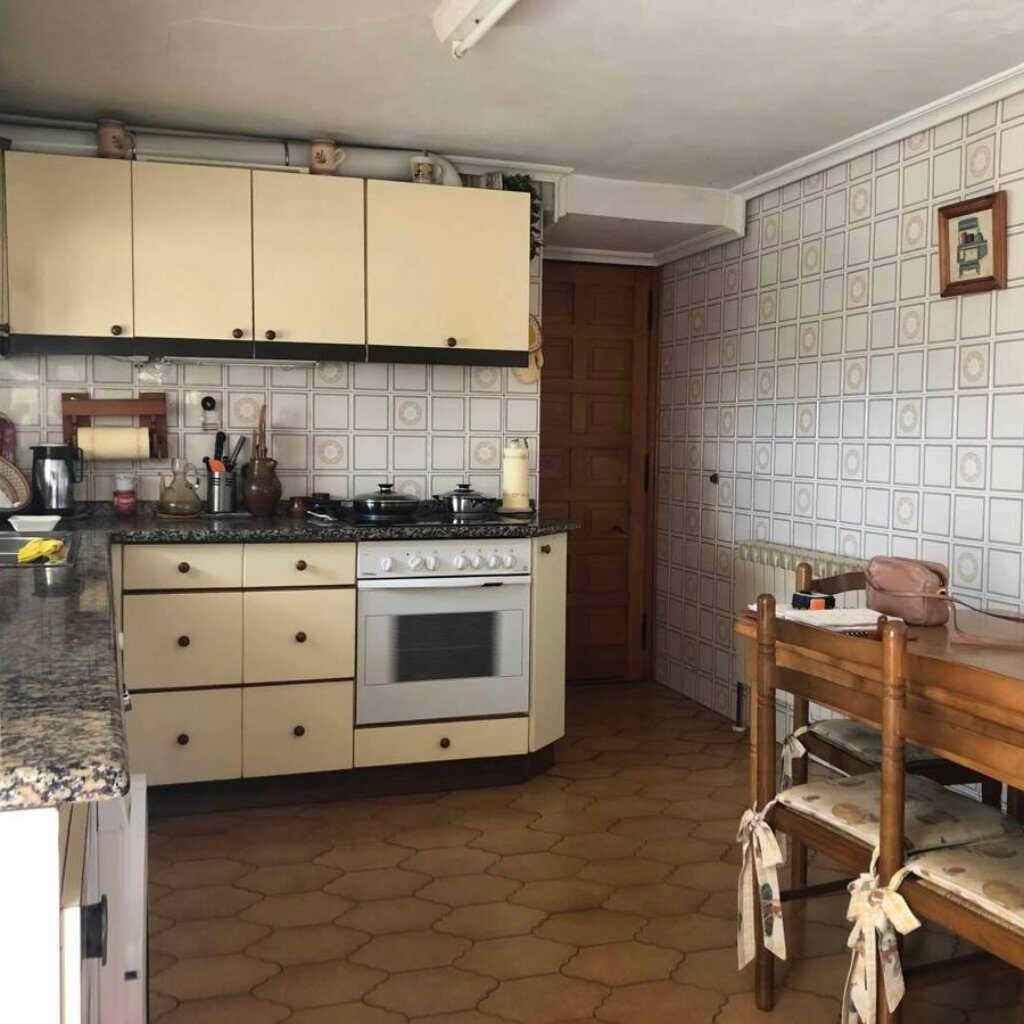
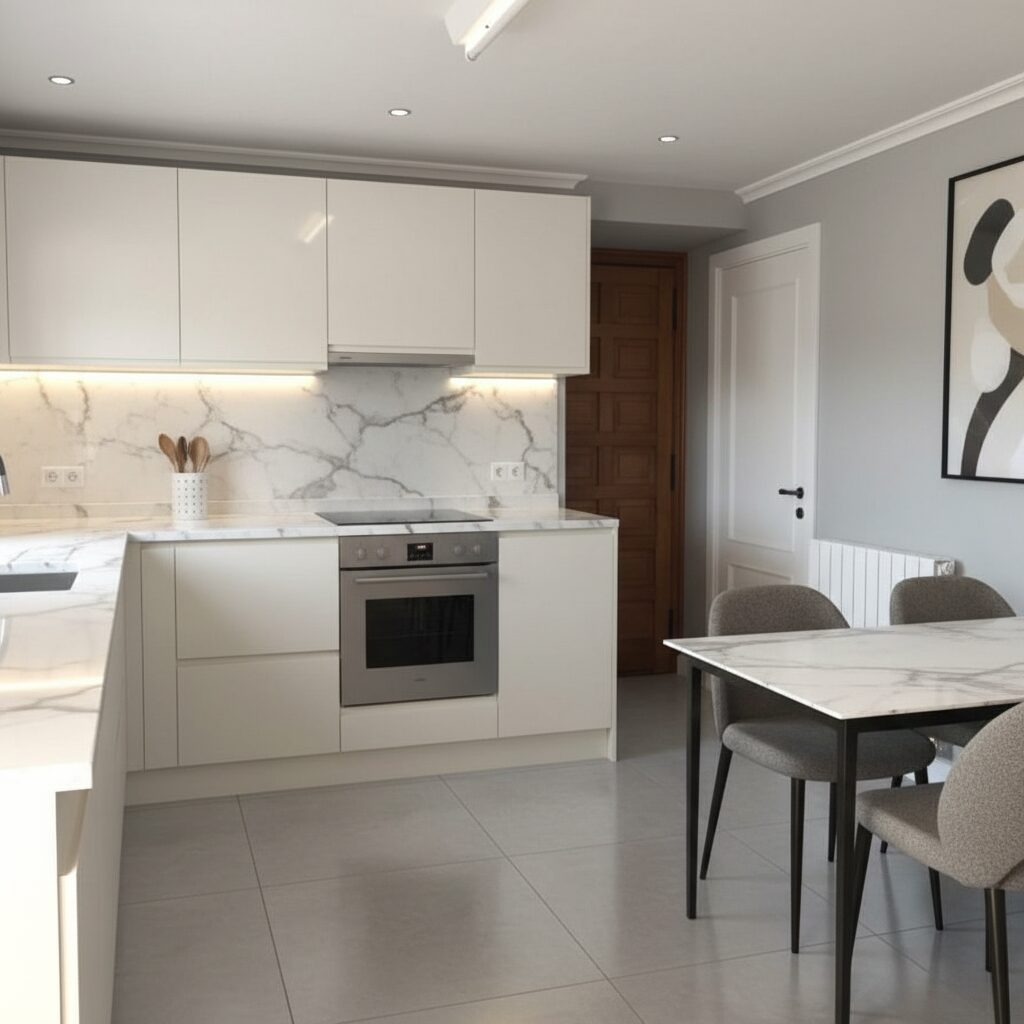
Slide to see the change
How it works
Three steps to see your idea.
No building work and no commitment: just a photo and what you would like to change.
- 01
Take a photo
Photograph the room you want to renovate, in good light and with nothing in the way.
- 02
Tell it what to change
Write what you would like: furniture, flooring, colours, finishes…
- 03
See the result
AI shows you a simulation and an indicative cost range. Save your ideas and projects with their photos to keep them organised.
Before you start
Common questions from
people planning a renovation.
Is it free?
Yes, you can start for free. It includes a limited number of free simulations.
What happens when I use up the free simulations?
The free simulations are limited and, for now, there is no way to buy more: paid plans for homeowners are not available yet. We recommend starting with the room you care about most.
Is the cost it shows a quote?
No. It is an indicative range so you can get an idea before asking for quotes. It does not replace a site visit or a professional’s quote.
Will BuildApp find me a professional?
Not today. BuildApp helps you prepare your renovation: see how it could look, get an idea of the cost and save your ideas and projects. It does not put you in touch with professionals.
What do I need to start?
An iPhone or an Android phone. Download BuildApp and, when you create your account, choose Client.
Start with a photo
Your renovation starts
on your phone.
Download BuildApp and create your Client account.