
Renovation app for iPhone and Android
Renovation made clear from the first photo.
From a few photos, BuildApp helps you prepare quotes with prices and images of the proposed result. One app for the people doing the work and the people renovating their home.
Free to start.
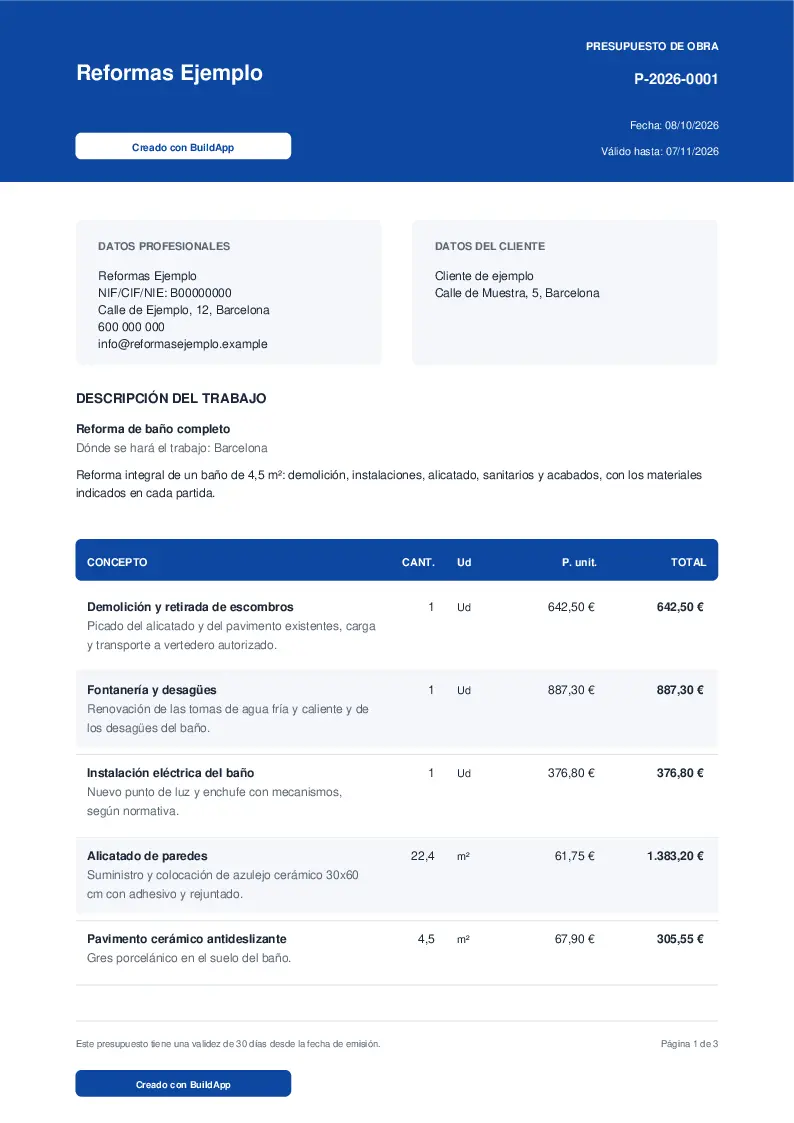
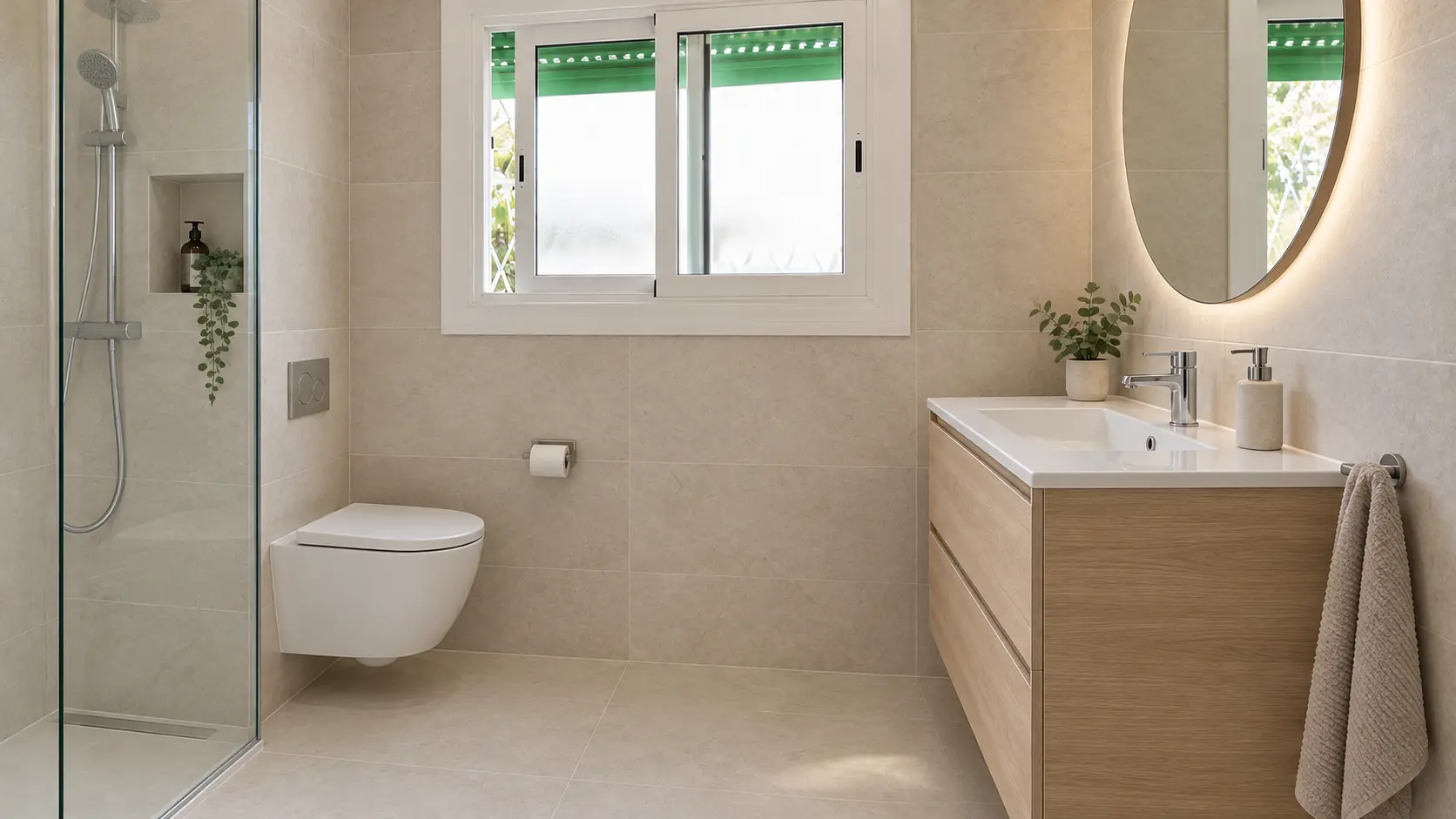
How it could look · AI simulation
For renovation professionals
Send the price and an image of how it could look.
Start with photos from your visit, review the work items and add a simulation of the result. Your client receives the price and an image that helps explain your proposal.
Photograph and explain
Photograph the space and explain the work your client needs.
How it could look · AI simulation
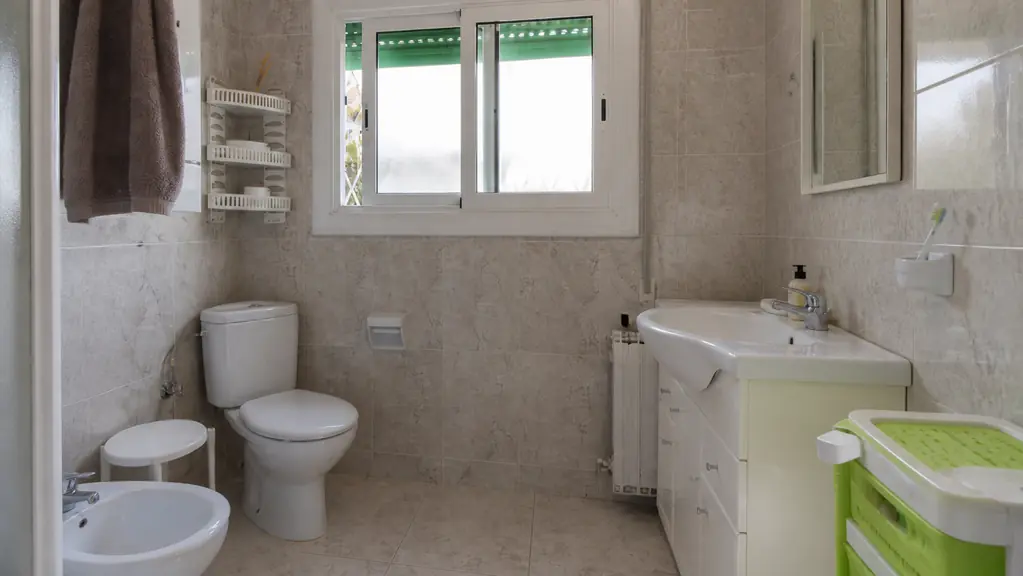
Indicative simulation: review it before sending.
Review items and simulation
BuildApp suggests work items, quantities and VAT from your photos and notes. Review them, check measurements and add a simulation.
- Example quoteBathroom renovation€6,744.43 · VAT includedPrices and simulation
WhatsApp · link · PDF
Send price and proposal
Share the work items and images of your proposal by WhatsApp, link or PDF.
What your client receives
How it could look · AI simulationExample quote
- Plumbing and drains
- €887.30
- Shower tray and screen
- €1,084.60
- Basin, vanity and mirror
- €812.40
Selected example items. See the PDF for the full breakdown.
Example totalVAT included€6,744.43
A quote with work items, VAT and a simulation of how the bathroom could look. Your client can open it on their phone without installing anything.
- Image of the proposed result
- Work items, quantities and VAT
- Timings and payment terms
Example document in Spanish. Always check measurements, materials and prices before sending.
Start for free
3 quotes a week with BuildApp branding. Paid plans are optional, with no lock-in.
For homeownersNew
See how your home could look before you renovate.
Take a photo, say what you want to change and BuildApp shows you an AI simulation and an indicative cost. So you talk to a professional with a clear idea.
Take a photo
Of the room you want to renovate.
Say what you want to change
In your own words, no jargon.
See the result
A simulation and an indicative cost to give you an idea.
Keep each idea with its photos and details, ready for when you talk to a professional.
Free to start. When you create your account, choose Client.
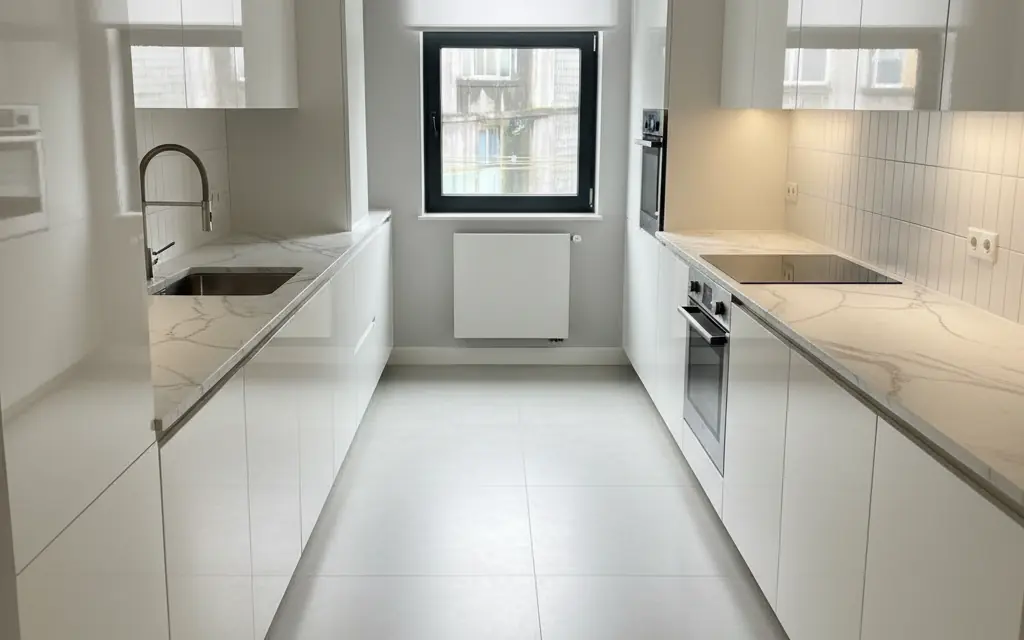
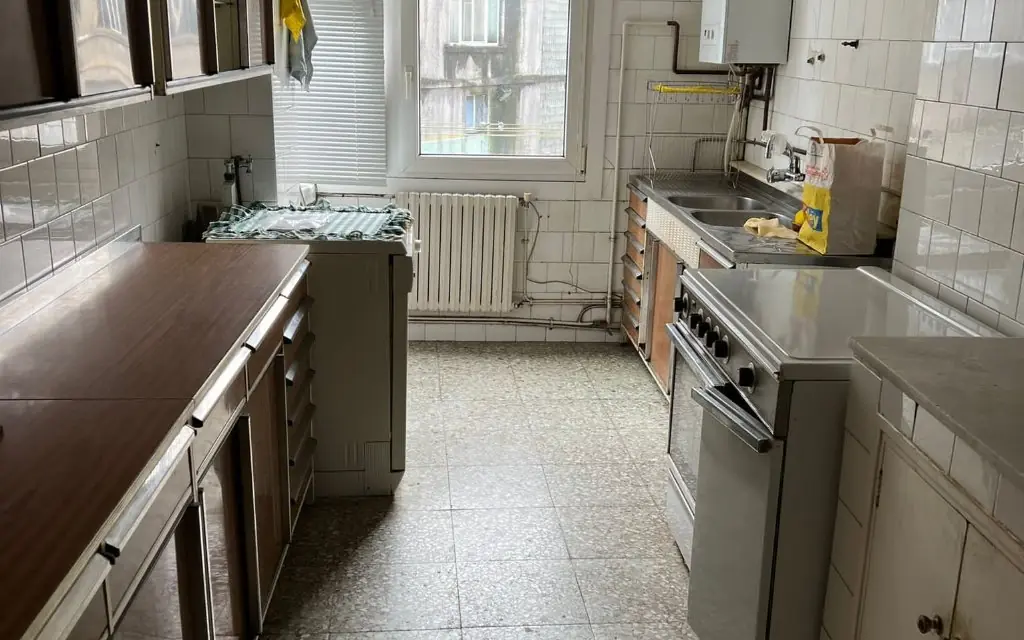
One app. You choose how to use it.
Download BuildApp on iPhone or Android. When you create your account you choose Client or Professional; each account is of one type only.
Client
For people renovating their home.
- AI simulation of your room
- Indicative cost
- Your ideas and photos, saved
Professional
For professionals doing the work.
- Work items, quantities and VAT
- A simulation to explain your proposal
- Send by WhatsApp, link or PDF
Are you a professional? You can also use BuildApp Pro in your browser
How we work
No small print.
AI suggests, you decide.
You review and adjust every result before using or sending it.
Indicative means indicative.
Simulations and costs help you get an idea; they do not replace a site visit or a professional’s quote.
No lock-in.
You start for free. Paid BuildApp Pro plans can be cancelled whenever you like.
Frequently asked questions
Another question? Write to info@buildapp.es.
How much does it cost?
Starting is free. If you are a professional, the free plan lets you create 3 quotes a week with BuildApp branding; paid plans are optional and have no lock-in. If you want to renovate your home, you start free with a limited number of free simulations.
Can I have both a Client and a Professional account?
Each account is of one type: Client or Professional. You choose it when you create the account and it cannot be changed later. If you are unsure which suits you, write to info@buildapp.es.
Will BuildApp find me clients or professionals?
Not today. The Professional account helps you present your work better and quote for your own clients, and the Client account helps you prepare your renovation. For now we do not put clients in touch with professionals, and downloading the app does not guarantee enquiries or new jobs.
Is the cost from the simulation a quote?
No. It is an indicative cost to give you an idea. A professional prepares the quote after seeing the job, taking measurements and agreeing materials and work.
Does it work on iPhone, Android and the web?
Yes. We recommend the app when using BuildApp on your phone. You can also access Client and Pro in your browser using the links in the footer of this page.
Shall we talk?
If you want to work with BuildApp, write about us or tell us what is missing, send us a message here.
Need help with your account or the app? Go to Support
You can also write to info@buildapp.es.